
Artificial Intelligence
Gaming PC Vs. Console: How To Choose The Right Platform
Share
TL;DR
-
Current U.S. console pricing stretches from $449.99 for Switch 2 through August to $899.99 for PS5 Pro.
-
PC GPU benchmarks show much higher performance ceilings, especially at 1440p and high refresh rates.
-
CPU bottlenecks and 1% lows matter because high average FPS does not guarantee smooth gameplay.
-
PCs offer upgrades, mods, and broader peripheral choices, while consoles reduce setup and compatibility work.
-
Choose around your games, display, budget, multiplayer habits, and willingness to tune hardware.
Introduction
An Elden Ring build with maxed damage but no Vigor looks impressive until the boss hits back. Gaming hardware works the same way. Peak frame rate is only one stat.
That matters more in 2026 because the old rule that consoles are always cheap is weakening. Nintendo Switch 2 is $449.99 in the U.S. through August, Xbox Series X is $799.99, and PS5 Pro costs $899.99. Nintendo has already announced another Switch 2 price increase for September 1.
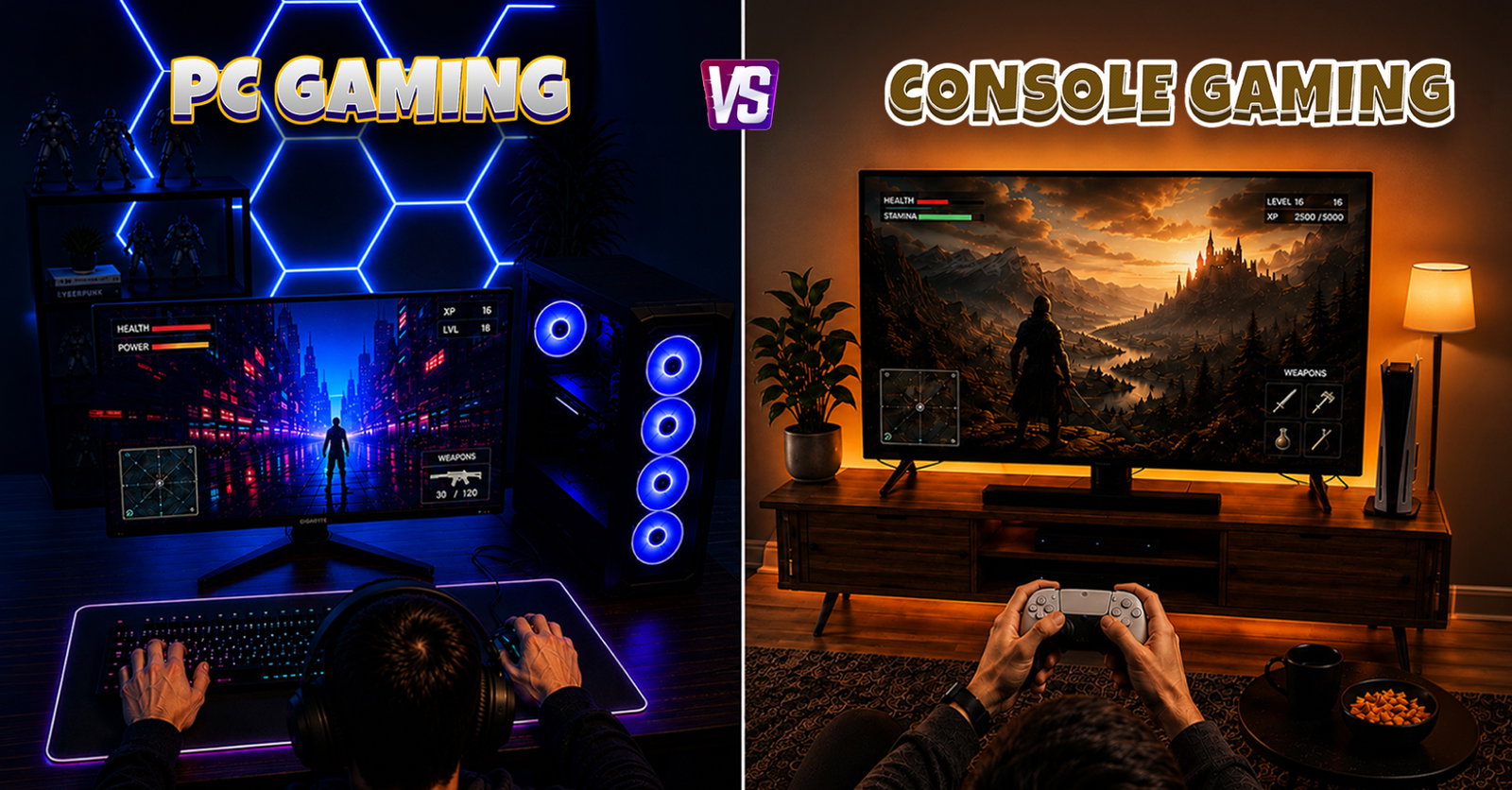
So, Gaming PC or gaming console? The answer starts with what each platform is built to optimize.
What Is The Difference Between A Gaming PC And A Console?
The biggest difference between Gaming PC and a console is the hardware model.
A gaming console is a fixed target. Every PS5, Xbox Series X, or Switch 2 of the same model gives developers a known CPU, GPU, memory pool, and operating environment. A Gaming PC is modular. The CPU, graphics card, RAM, storage, cooling, and display can all vary. That creates more setup work but a higher performance ceiling.
That flexibility is valuable, but it means PC buyers must pay closer attention to component balance, display goals, and overall performance settings.
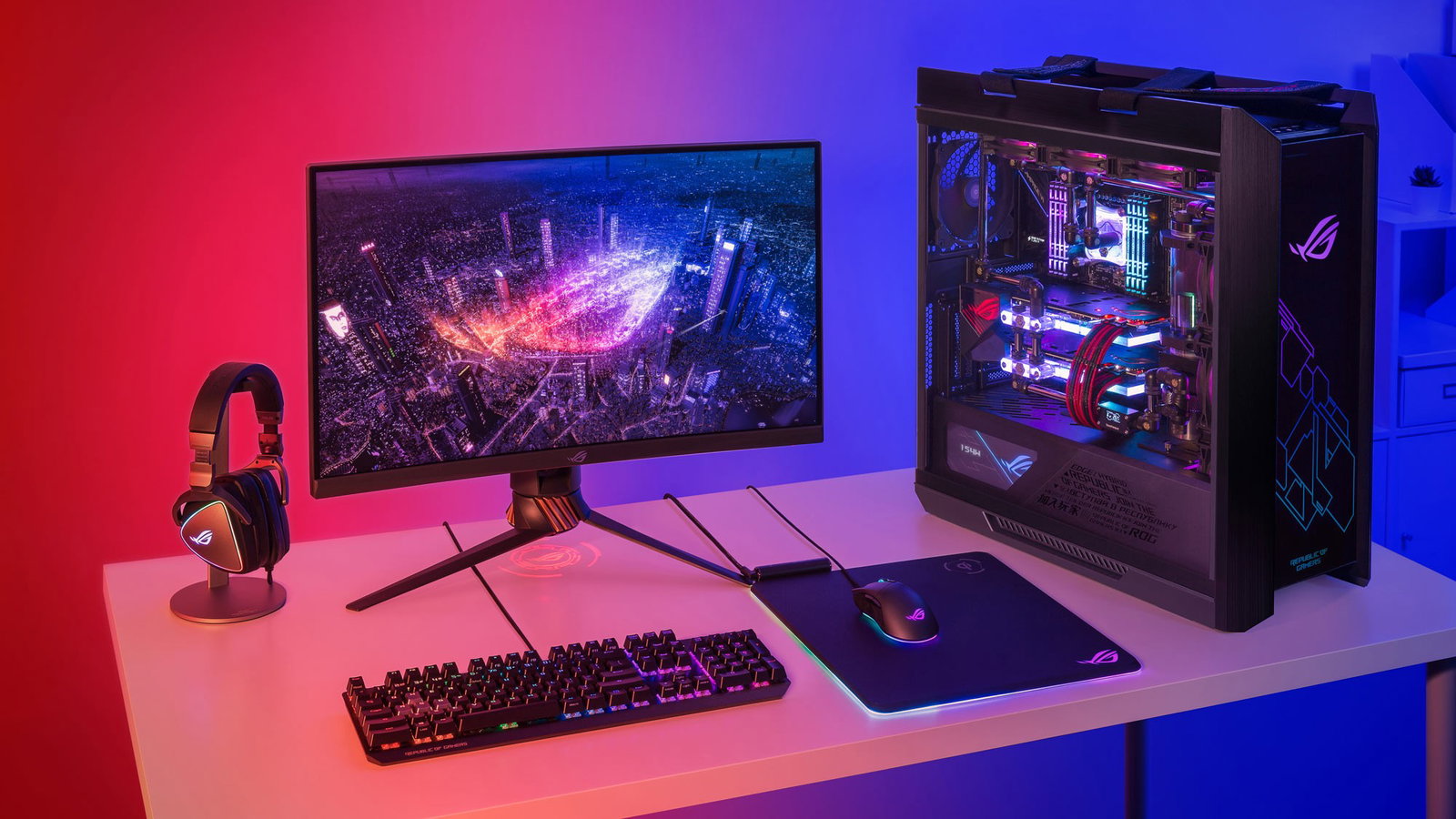
Players can change resolution, textures, ray tracing, upscaling, frame generation, field of view, input devices, and game files through mods.
In short, consoles optimize the box. PCs let the player optimize the box.
Gaming PC Vs Console Comparison: Performance Is More Than Peak FPS
A powerful PC can reach higher frame rates, while consoles benefit from fixed hardware developers can optimize around.
| Key Aspects | Gaming PC | Console |
| Performance Ceiling | Fixed performance targets. | Higher ceiling depending on CPU and GPU. |
| Frame Rates | Xbox Series X supports up to 120 FPS, while PS5 supports 120Hz output and VRR. | Current GPUs can push beyond typical console targets at 1080p and 1440p. |
| Graphics Performance | Developers optimize settings for console hardware; PS5 Pro adds PSSR. | Players can adjust resolution, ray tracing, upscaling, and frame generation. |
| Resolution Support | Switch 2 can output 4K at 60 FPS or 120 FPS at 1080p and 1440p in supported games. | Resolution depends on the GPU and display, including 1080p, 1440p, 4K, and ultrawide. |
| Optimization | Fixed hardware gives developers a predictable target. | Hardware combinations make optimization less predictable. |
| Customization | Limited to developer-provided modes. | Broader control over hardware, settings, peripherals, and mods. |
| Ease Of Use | Requires little performance configuration. | May require graphics adjustments, driver updates, and troubleshooting. |
In its June 2026 GPU benchmark, Tom's Hardware found the RTX 5070 averaging 96.4 FPS at 1440p Ultra, while the Radeon RX 9070 averaged 104 FPS, without upscaling or frame generation.
Sony says PS5 Pro's upgraded GPU enables up to 45% faster rendering than the standard PS5.
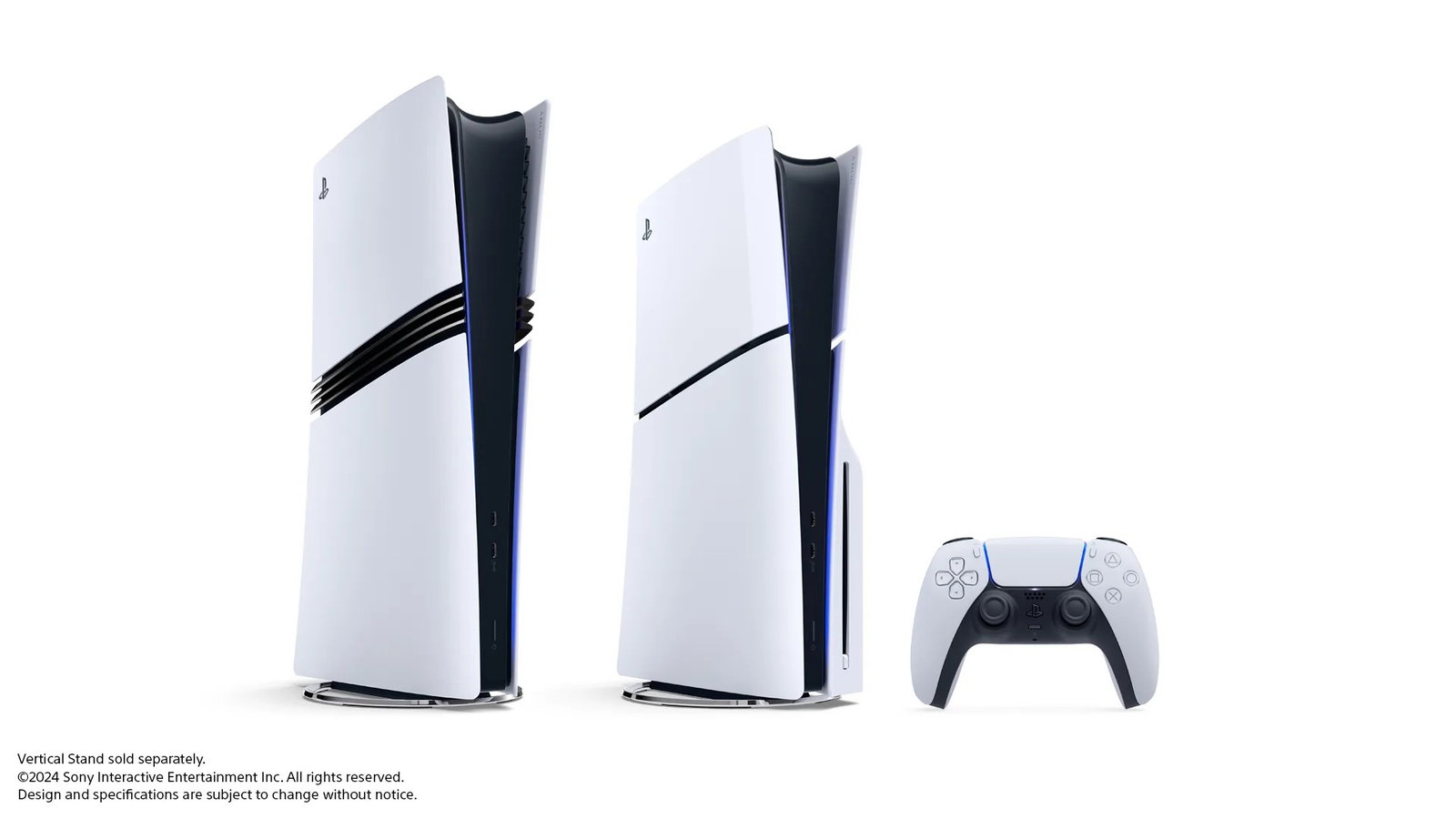
However, 120Hz support does not mean every console game runs at 120 FPS. Developers still set targets around resolution, effects, and available hardware.
PC wins the performance ceiling. Console often wins predictability because developers tune for fixed hardware.
Gaming PC Vs Console Cost: The 2026 Gap Is Smaller
Gaming PC vs console cost used to be simple. Consoles had the lower upfront price.
In 2026, that answer needs an asterisk.
-
Upfront Gaming Costs
-
Nintendo Switch 2 costs $449.99 in the U.S. through August.
-
Nintendo has announced a $499.99 price from September 1.
-
Xbox Series X costs $799.99.
-
PS5 Pro costs $899.99.
- A modern Gaming PC with dedicated graphics generally starts higher.
-
Microsoft said its latest Xbox increases followed storage and memory costs rising by more than 2.5 times. It also noted that consoles are "typically not sold at a profit, but instead for less than they cost to make."
Tom's Hardware positions a roughly $1,000 DIY machine as a strong 1080p and competent 1440p build. PC Gamer's August 2026 guide places roughly $1,000 to $1,500 around the performance-per-dollar sweet spot for prebuilt.
-
Long-Term Gaming Costs
-
Most PC multiplayer does not require a platform-level paid subscription.
-
PC game stores compete on discounts.
-
Individual components can be upgraded.
-
PC pricing may exclude a monitor, keyboard, and mouse.
-
Console pricing may exclude a high-refresh TV or paid online membership.
-
GPU Benchmark, CPU Bottleneck And FPS Stability: What Actually Matters?
A GPU benchmark is useful only when the test matches how you play.
Compare the same game, resolution, graphics preset, ray-tracing setting, and upscaling mode. A 1080p average cannot be fairly compared with a 4K result using image reconstruction.
-
Look Beyond Average FPS
-
Average FPS: Shows overall performance across a benchmark run.
-
1% Low FPS: Reveals short performance drops averages can hide.
-
Frame Times: Show whether individual frames arrive consistently.
-
Resolution: Higher resolutions increase GPU workload.
-
CPU Performance: Matters more at very high frame rates.
-
FPS stability describes whether frames arrive consistently. A game averaging 100 FPS can still feel rough if frame times spike.
Tom's Hardware checks benchmark anomalies when temporary hitches cause large drops in 1% low FPS, showing why averages alone do not tell the full story.
A CPU bottleneck happens when the processor cannot prepare frames quickly enough for the GPU. This becomes especially visible at high frame rates and lower resolutions.
Tom's Hardware runs its current gaming CPU hierarchy at 1080p with an RTX 5090 for this reason, while TechSpot notes that GPU bottlenecks can hide performance differences between processors.
Console buyers avoid most of this diagnosis. PC buyers gain control but also inherit the troubleshooting.
How To Choose A Gaming Platform Based On How You Play
When deciding how to choose gaming platform hardware, start with how you play rather than which machine wins a specification sheet.
-
Choose A Gaming PC If You Want
-
High-refresh competitive gaming beyond typical console targets.
-
Graphics settings, mods, ultrawide support, and broader peripheral choices.
-
A machine that also handles work, streaming, editing, or other applications.
-
Incremental upgrades instead of replacing the entire system.
-
-
Choose A Gaming Console If You Want
-
Simple setup and fewer driver or compatibility decisions.
-
Consistent performance modes built around fixed hardware.
-
Couch-first gaming with a TV and controller.
-
A particular console library or Nintendo's handheld-to-TV flexibility.
-
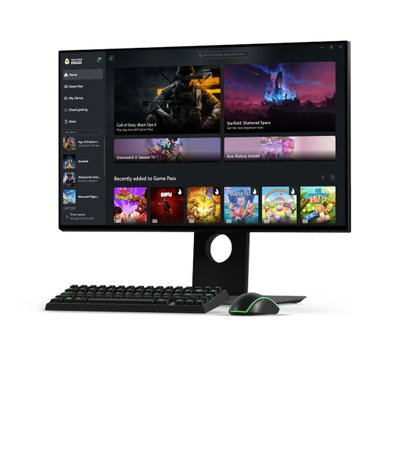
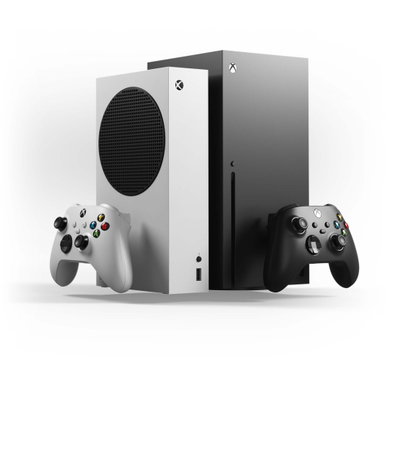
Platform walls are also lower than they used to be.
For example, Xbox Play Anywhere lets supported digital purchases move between Xbox consoles, PCs, and compatible handhelds with shared saves, add-ons, and achievements at no additional cost.
If your must-play titles or friends are concentrated on one ecosystem, theoretical performance-per-dollar matters less than actually being able to play with them.
Conclusion
Gaming PC versus console is not a fight with one winner. It is a choice between control and consistency. A PC gives you the higher performance ceiling, deeper customization, better upgrade flexibility, and the ability to tune around a GPU benchmark or CPU bottleneck.
A console gives you a standardized target, simpler ownership, and fewer performance decisions. The Elden Ring lesson still applies: the strongest-looking build is not automatically the best build for the fight.
Choose the platform that fits your games, display, budget, and tolerance for tweaking. That is the practical answer to how to choose gaming platform hardware without paying for performance you will never use.
Frequently Asked Questions
Can You Use The Same Game Save On A Gaming PC And Console?
Sometimes. Cross-save or cross-progression depends on the game rather than the platform itself. Titles such as Fortnite, Destiny 2, and Cyberpunk 2077 support progress syncing across selected platforms when players connect the required game or publisher account. However, many games still keep save files separate between PC and console versions.
Are Physical Games Still An Advantage Of Gaming Consoles?
They can be, especially for players who prefer collecting, lending, reselling, or buying used games. However, physical support now depends on the console model. Some consoles are sold without disc drives, while others offer them as standard or optional accessories. PC gaming, meanwhile, has largely shifted toward digital storefronts and downloadable games.
Can A Console Controller Be Used On A Gaming PC?
Yes. Modern gaming PCs support many popular controllers, including Xbox Wireless Controllers, PlayStation DualSense controllers, and numerous third-party options. Compatibility can vary by game, though, and features such as adaptive triggers, haptic feedback, or button prompts may not work identically across every PC title.
Wed, Sep 16, 2026

Liked what you read? That’s only the tip of the tech iceberg!
Explore our vast collection of tech articles including introductory guides, product reviews, trends and more, stay up to date with the latest news, relish thought-provoking interviews and the hottest AI blogs, and tickle your funny bone with hilarious tech memes!
Plus, get access to branded insights from industry-leading global brands through informative white papers, engaging case studies, in-depth reports, enlightening videos and exciting events and webinars.
Dive into TechDogs' treasure trove today and Know Your World of technology like never before!
Disclaimer - Reference to any specific product, software or entity does not constitute an endorsement or recommendation by TechDogs nor should any data or content published be relied upon. The views expressed by TechDogs' members and guests are their own and their appearance on our site does not imply an endorsement of them or any entity they represent. Views and opinions expressed by TechDogs' Authors are those of the Authors and do not necessarily reflect the view of TechDogs or any of its officials. While we aim to provide valuable and helpful information, some content on TechDogs' site may not have been thoroughly reviewed for every detail or aspect. We encourage users to verify any information independently where necessary.
Loading comments...